
Paper Maker – 2027 Planner PDF
JIHOON KIM
Paper Maker – 2027 Planner PDF 现在免费。
本体现在 ¥0。价格按中国区 App Store 页面核对。
本体价格
最近 24 小时查看数据表
| 日期 | 价格 |
|---|---|
| 11月24日 | ¥3 |
| 11月25日 | ¥0 |
| 11月25日 | ¥0 |
本体现在 ¥0。价格按中国区 App Store 页面核对。
截图




买前须知
这是试用吗?
不是。本体限时免费。在 ¥0 时下载,会留在购买记录里。
活动结束后会怎样?
本体恢复 ¥3。以 ¥0 下载过的,会留在购买记录里。
支持家人共享吗?
内购跟随购买它的 Apple ID。确认前先看购买弹窗的说明。
App 信息
App 简介
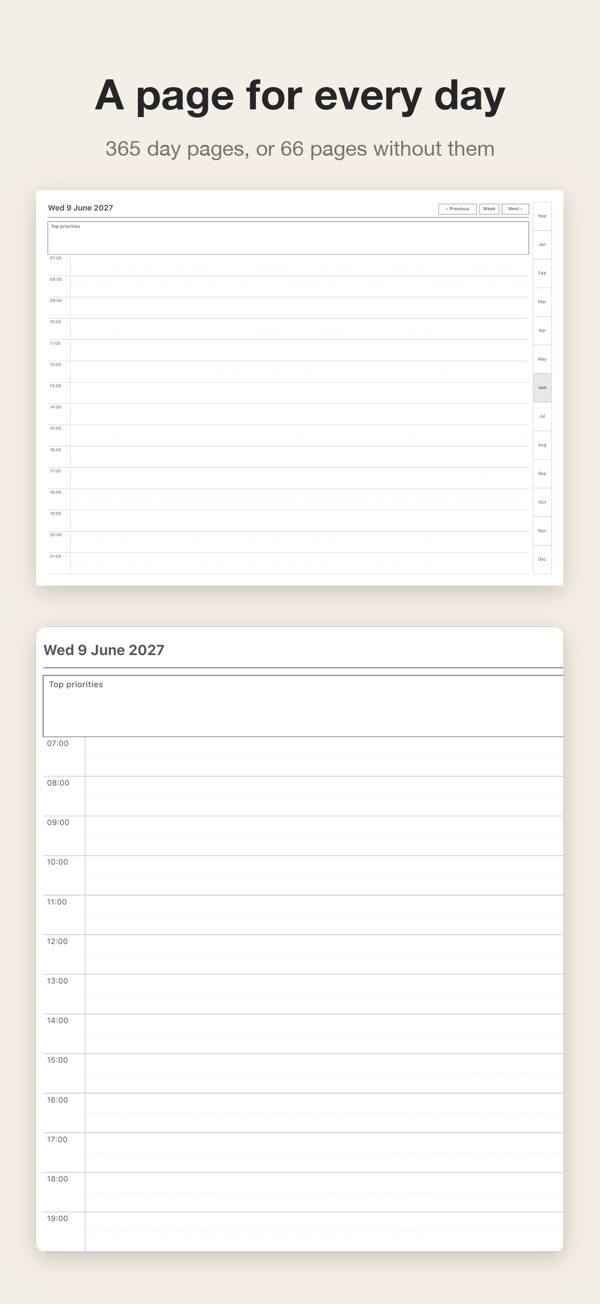
Paper Maker builds your 2027 planner as one linked PDF, and makes the note paper and labels you print. 2027 PLANNER (NEW) • 1 yearly page, 12 monthly, 53 weekly and 365 daily pages: 431 pages in one go, or 66 without the daily pages. • Every page has side tabs for the year and each month. Tap a month on the yearly page or a week number on a monthly page to jump there. With daily pages, tap a date to open that day. • Weekly pages have previous and next week buttons; daily pages have previous and next day. • Writing areas carry no links. Only the date row and header respond to a tap. • A4, A5, Letter, iPad (4:3) and iPad Pro 11, portrait or landscape. You pick the first day of the week and the ink color. • Holidays can be marked for Korea or Japan. Paper Maker makes the paper. You choose the size, the margins, the grid and the header, watch it redraw as you adjust, and export a high-resolution PDF you can write on in any note app that opens a PDF. Label sheets print straight from the app. WHAT YOU CAN BUILD • Ruled, dotted and square grid pages, with spacing and line weight you set • Cornell note pages with a cue column and summary band • Weekly spreads and monthly calendars that are correct for a real month — leap years and your own first day of the week included • Daily time-blocked pages • Any page size: A4, A5, Letter, or your own custom dimensions LABELS (NEW) • Address labels, name stickers and file labels, printed at true size from the app • Pick a Letter sheet layout (5160, 5163, 5167), or type in the label size, count and margins in mm for any other sheet • Print one alignment test, then nudge until it lines up. The nudge is saved per printer and used only when the app prints (a shared PDF is never shifted) • Skip the labels you already used on a half-used sheet • The same text on every label, or a pasted list, one entry per label (up to 4 lines each) PRESETS Save a preset, come back to it later, adjust one number, export again. PRIVACY Everything is computed and drawn on your device. There is no account and no server. We collect nothing. The app sends no data out on its own; sharing a PDF or printing happens only when you do it. No subscription. No advertising. No analytics. No tracking. Pay once.